
Connecting AirPods to PS5: A Comprehensive Guide
The PlayStation 5, with its remarkable technology and extensive capabilities, has redefined the gaming landscape. However, like many modern consoles, it lacks native support for Bluetooth audio devices, including Apple’s AirPods. As users seek seamless audio experiences, the challenge becomes connecting AirPods to a PS5. This blog post will provide a detailed look into the process, highlighting potential solutions and workarounds, and will explore how SmartTVs can play a role in this connectivity issue. Whether you are a tech-savvy gamer or new to the PS5, this guide is designed to walk you through the necessary steps, making gaming more immersive than ever.
How to connect AirPods to PlayStation 5
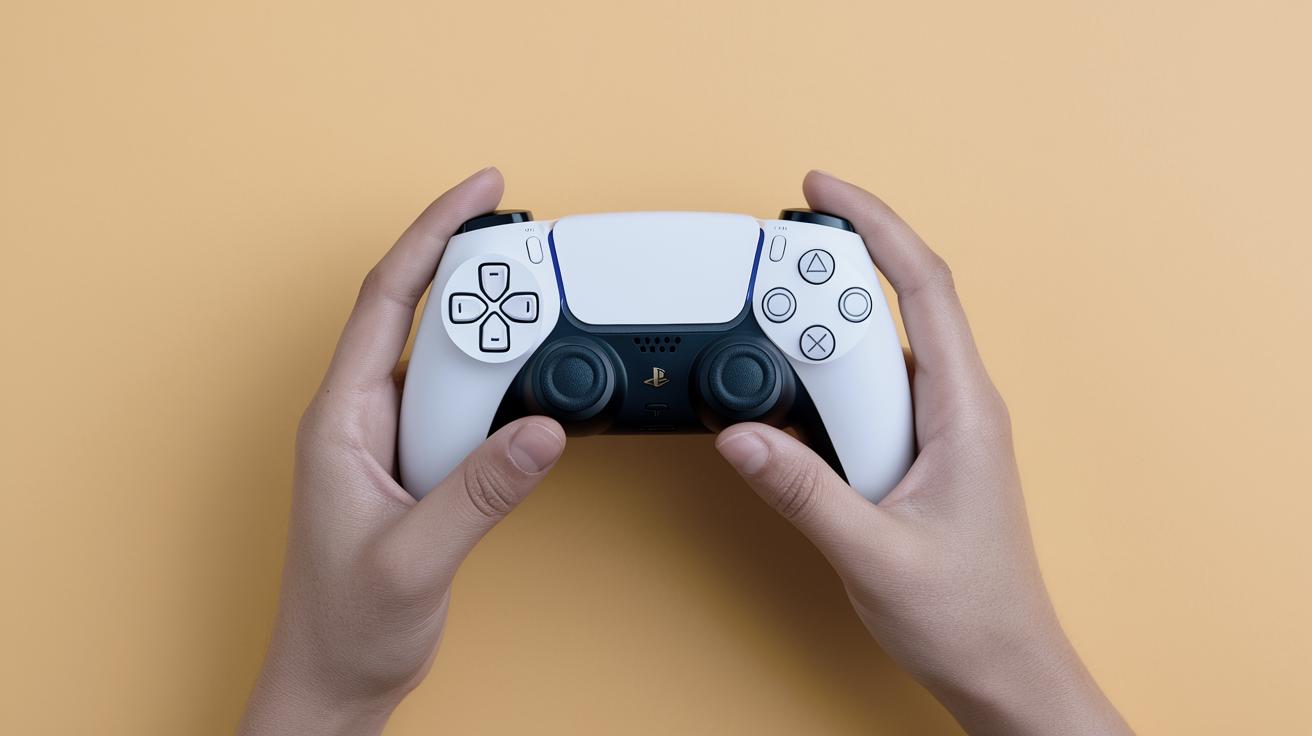
The PlayStation 5 does not support direct Bluetooth connections out of the box, which might frustrate users who wish to use wireless earbuds like AirPods. Despite this, several workarounds exist to bridge this gap. One common method involves using a Bluetooth adapter that plugs into the console’s USB port or the DualSense controller’s headphone jack. These adapters act as intermediaries, enabling Bluetooth audio streaming from the PS5 to your AirPods.
When selecting a Bluetooth adapter, ensure that it supports USB audio for the PS5 or features low latency for a better gaming experience. Installation is generally straightforward. You typically plug the adapter into the desired port, put both the adapter and the AirPods in pairing mode, and they should connect. Although this method might add a small cost, it’s a reliable way to use AirPods with your PS5.
In addition to using Bluetooth adapters, users may explore other solutions like leveraging existing tech within their home theater systems. Some sound systems that connect to the PS5 might offer Bluetooth transmission capabilities, which can then be used to connect to AirPods. While not a direct connection to the PS5, this creates an indirect path that may suit some setups and preferences.
Connect AirPods w/ SmartTV
SmartTVs can play a pivotal role in connecting AirPods while using a PS5. Many SmartTVs come equipped with Bluetooth audio transmission capabilities. Gamers can connect their PS5 to their SmartTV via HDMI and then pair the TV with their AirPods. This indirect approach circumvents the PS5’s Bluetooth limitations by leveraging the connectivity options of modern televisions.
To connect AirPods through a SmartTV, start by ensuring that your TV is Bluetooth enabled. Navigate to your TV’s audio settings, activate Bluetooth pairing, and follow the instructions to connect your AirPods. Once established, the TV will transmit all audio from the PS5 to your AirPods, providing wireless audio without additional hardware.
While this method is convenient, especially if a SmartTV is already part of your setup, users should be mindful of potential audio lag. Although many TVs offer low latency modes that minimize delays, actual performance can vary depending on the TV’s specifications and Bluetooth version. Ultimately, this setup is ideal for users whose primary concern is maintaining a wireless environment.
Quick Links
For quick access to detailed instructions on connecting your AirPods to various devices, consider exploring dedicated online forums or the official support pages of Bluetooth adapter manufacturers, TV brands, and gaming console experts. Resources often include step-by-step guides, troubleshooting tips, and user experiences that can further aid the process.
Future prospects
| Method | Description | Considerations |
|---|---|---|
| Bluetooth Adapter | Connects AirPods to PS5 via USB or headphone jack using third-party adapters. | Cost of adapter, potential audio lag, setup simplicity. |
| SmartTV Bluetooth | Uses SmartTV’s Bluetooth to indirectly connect AirPods while gaming on PS5. | Potential audio lag, SmartTV compatibility, setup existing hardware. |