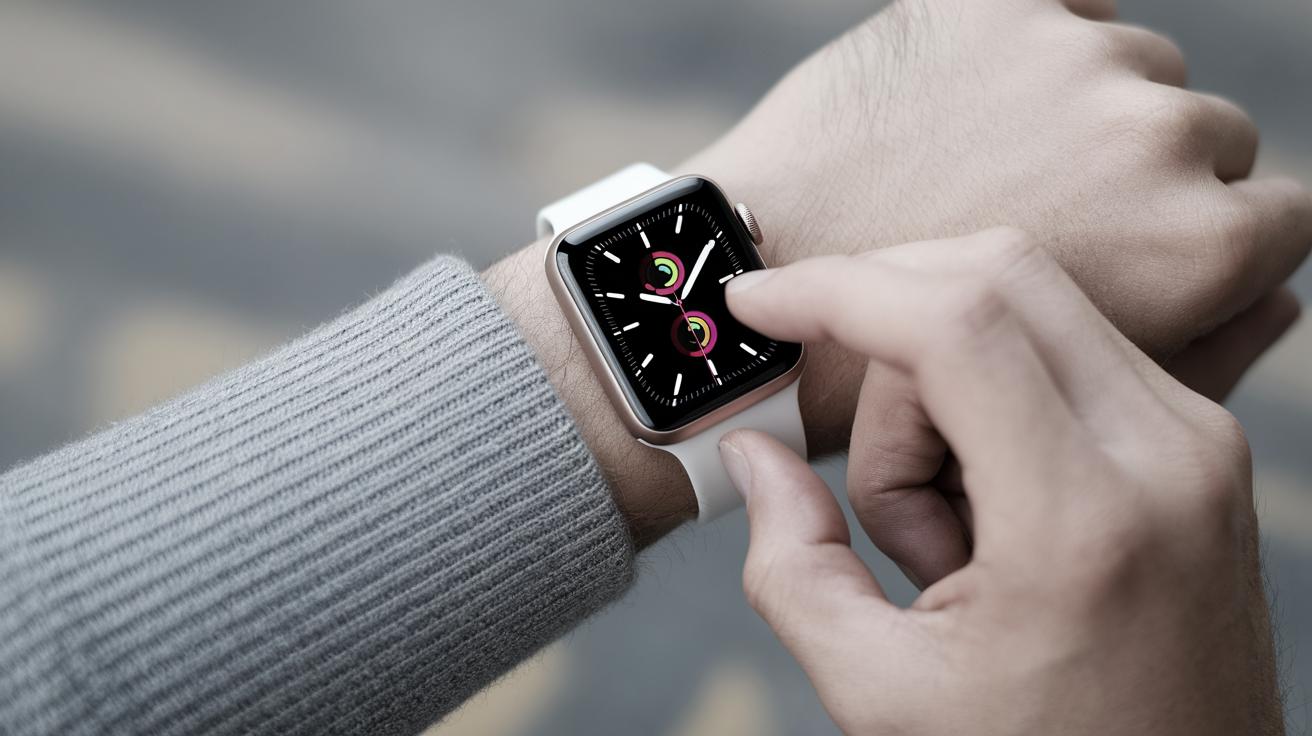
How Long Does an Apple Watch Take to Charge?
The Apple Watch, an innovative marvel blending technology and design, has swiftly become an indispensable tool for many. A question that often arises among users is: how long does it take to charge an Apple Watch? Understanding the charging duration is crucial for maximizing its use throughout daily activities. In this blog post, we’ll delve into the charging time of Apple Watch, factors affecting it, and tips for efficient usage. We’ll also explore the battery lifespan of the Apple Watch and provide related insightful topics to enhance your Apple device experience.
How Long Does It Take to Charge an Apple Watch?
On average, an Apple Watch takes approximately 1.5 to 2.5 hours to reach a full charge. The time varies depending on the model and the charger used. For instance, newer models equipped with fast charging capabilities typically require less time than older versions. Understanding this timeframe helps you allocate your charging sessions efficiently, ensuring your Apple Watch remains charged when needed.
The charging speed is primarily attributed to the device’s lithium-ion battery technology and the wattage of the charger. Utilizing the accompanying Apple magnetic charging cable tends to yield optimal results. It’s recommended to keep the Apple Watch’s software up to date, as software improvements can enhance battery performance and charging efficiency over time.
For users in a rush, charging the Apple Watch for just 45 minutes can sometimes provide up to 80% battery life, a handy tip for those on-the-go. However, it’s crucial to note that charging time can fluctuate due to ambient temperature and the condition of the device itself.
How Long Does an Apple Watch Battery Last?
The battery life of an Apple Watch depends heavily on how it is used. Generally, an Apple Watch can last up to 18 hours with typical use, which includes checking the time, receiving notifications, and engaging in physical activity tracking. Fitness features such as GPS and heart rate monitoring tend to consume more battery, impacting the overall usage duration.
Apple offers specific guidance to extend battery life, such as enabling the Power Reserve mode, which allows you to continue reading the time for several hours before needing a charge. Furthermore, tweaking settings like screen brightness and background app refresh can contribute significantly to prolonging battery lifespan during daily use.
Understanding and adapting usage patterns is key to optimizing battery performance. By employing these strategies, users can enjoy the full functionality of their Apple Watch without frequent interruptions for recharging.
Related Topics
Delving into related topics can significantly enhance your comprehension and effective usage of your Apple devices. These include:
-
How to Pause Your Location on Find My iPhone
-
How to Turn Off RTT (Real Time Text) on an iPhone
-
How to Use Collapsible Sections in the Notes App
-
Follow Your Favorite Sports Team in the News App
-
Online Security Checklist
Related Articles
Further enrich your knowledge with these related articles that touch on various Apple functionalities and troubleshooting tips:
-
How to Keep Apps from Disappearing on Apple Watch
-
Faster iPhone Cellular Data: Why Is My Internet So Slow?
-
Are Emails Case Sensitive? Here’s What You Need to Know
-
How to Record & Transcribe Audio in Notes on Your iPhone
-
How to Remove the Background from an Image on Your iPhone
Lessons Learned
| Aspect | Details |
|---|---|
| Apple Watch Charging Time | 1.5 to 2.5 hours for a full charge depending on model and charger. |
| Battery Lifespan with Usual Usage | Typically lasts 18 hours based on standard usage. |
| Tips for Extending Battery Life | Use Power Reserve mode, adjust screen brightness, manage background app activity. |
| Related Insights | Explore related topics such as device settings adjustment and troubleshooting for enhanced experience. |