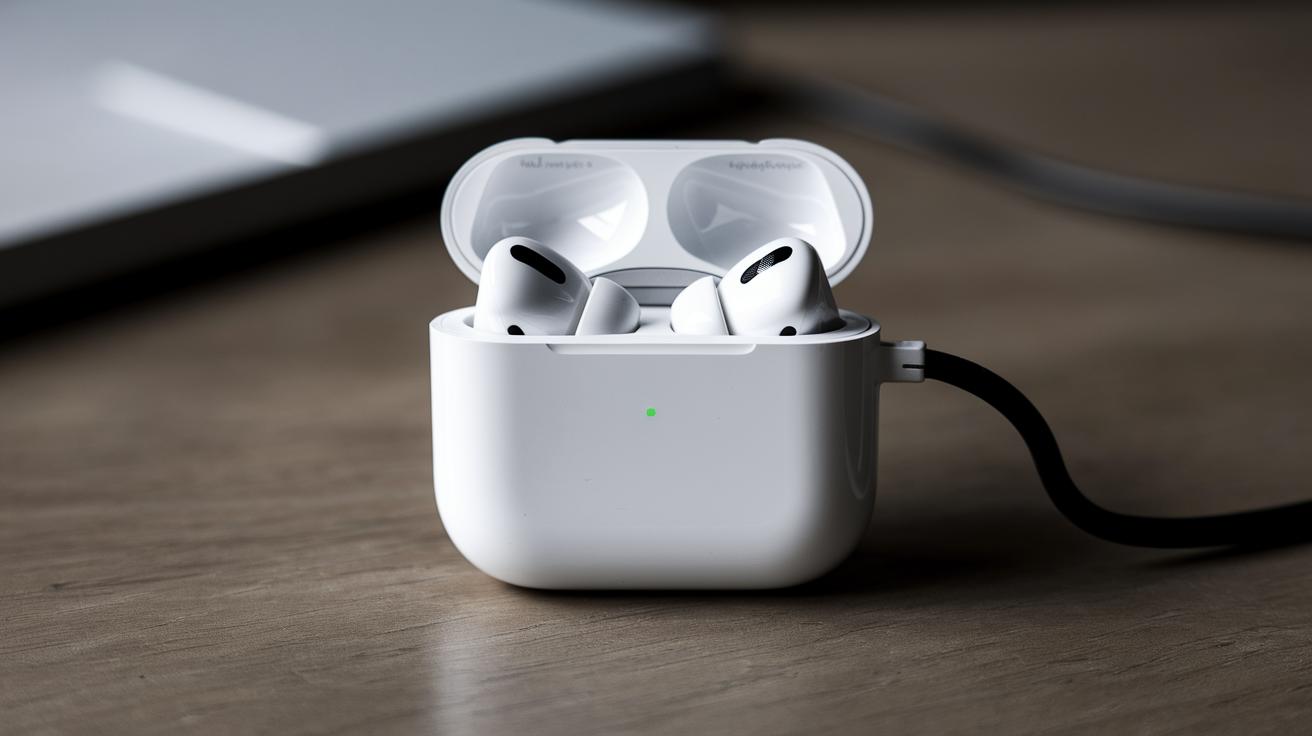
Why Is My AirPods Case Not Charging?
AirPods have revolutionized the way we listen to music, making excellent sound quality and seamless connectivity their hallmark. Yet, there are times when users encounter a common issue: the AirPods case not charging. In this comprehensive guide, we will explore key facts regarding this issue, diagnose common problems such as the case not lighting up, and delve into potential solutions. We will cover step-by-step instructions on how to charge the AirPods case wirelessly and strategies for troubleshooting. Lastly, if your AirPods or AirPods Pro case still resists holding a charge, we’ll discuss how a factory reset could serve as a last resort. Through these insights, we hope to empower you to solve this aggravating problem efficiently.
Key Facts
Before delving into the specifics of why your AirPods case might not be charging, it’s important to outline some key facts about the AirPods charging mechanism. AirPods and their charging case rely on rechargeable lithium-ion batteries, which are known for their efficiency and long lifespan. However, like all technology, they can occasionally run into issues.
It’s crucial to remember that the AirPods case charges both the earbuds and itself. Hence, any issue with the case can directly impact the usability of your AirPods. Battery degradation over time can also be a concern, although it typically doesn’t occur unless the device is several years old or has experienced extensive use.
Another essential fact is that the AirPods case utilizes either a Lightning cable or wireless charging to power up. Ensuring that your charging method is uncompromised is the first step toward troubleshooting the issue. By understanding these key facts, you’ll be better equipped to diagnose and repair any issues with your device.
AirPods Case Not Charging and No Light?
One of the first indicators that your AirPods case is not charging is the absence of the status light. A functioning status light appears when the case lid is opened, or when it is connected to a power source. If this light does not illuminate, it might suggest a charging issue.
The absence of the status light can be attributed to a number of factors, such as a depleted battery, a faulty Lightning cable, or even software glitches. A depleted battery can occur if the case has been left uncharged for an extended period. Meanwhile, a malfunctioning cable or charger can inhibit the flow of electricity required to charge the case.
To troubleshoot, first check your charging cable and power source. Connect your device to a known working outlet and cable. If the light still doesn’t indicate charging, consider resetting or inspecting the case for any damage. Sometimes, a simple restart can resolve unexplained glitches.
Only One AirPod Not Charging?
Being unable to charge one AirPod is another frequently encountered issue. It often manifests because of blockage in the charge port of the case or misalignment of the AirPod itself. Each charging slot must be clear to ensure adequate contact with the charging pins.
If the issue persists, inspect both AirPods for any signs of dirt or debris that might obstruct the connection. A small amount of residue can sometimes lead to connectivity issues. Use a soft, lint-free cloth to carefully clean both the AirPods and the interior of the case charging recesses.
It’s also potential that one AirPod’s battery lifecycle is ahead of the other, causing a discrepancy in charging. In this case, resetting both AirPods might help. Keeping the AirPods fully updated with the latest firmware can also improve performance and charging efficiency.
How to Wirelessly Charge Your AirPods Case?
Wireless charging brings unprecedented convenience to AirPods users, assuming they own a compatible charging model. If you need to charge your case wirelessly, start by confirming you have Qi-compatible accessories, as AirPods (second generation and later) and AirPods Pro support this technology.
Position your charging case on the charging mat, ensuring the status light is facing upwards. The light should illuminate to indicate it is charging; if it doesn’t, try adjusting the case position. The charging process typically takes around two to three hours, depending on the power of the charging mat and the remaining battery in the case.
Remember to ensure that the charging mat is correctly connected to power and functions with other devices. Should issues persist, consider reviewing the manufacturer’s guidelines for both the AirPods and the charging accessory to ensure compatibility and proper usage.
AirPods or AirPods Pro Case Still Not Charging? Try a Factory Reset.
If your AirPods case is still not charging after troubleshooting, performing a factory reset may rectify the situation. To reset your AirPods, first place them both in the charging case, ensuring they have contact with the charging pins inside the lid.
Next, hold the setup button located on the back of the case for 15-20 seconds. The status light should flash amber and then white, indicating the reset is complete. After resetting, you will need to re-pair your AirPods with your devices, which can resolve several underlying issues.
While a factory reset can solve most problems, it’s important to acknowledge when it’s time to seek professional repair services, especially if the issue persists. Apple Support can offer solutions tailored to hardware-specific concerns, potentially extending the life of your beloved AirPods and their case.
Next Steps
| Problem | Possible Causes | Solutions |
|---|---|---|
| No Light on Case | Depleted battery, faulty cable, software glitches | Check cable and outlet, reset, inspect for damage |
| Only One AirPod Charging | Blockage, misalignment, lifecycle discrepancy | Clean AirPods and case, reset, update firmware |
| Wireless Charging Issue | Improper alignment, incompatible accessories | Properly position case, ensure Qi compatibility |
| Case Still Not Charging | Software or hardware fault | Factory reset, seek professional support |