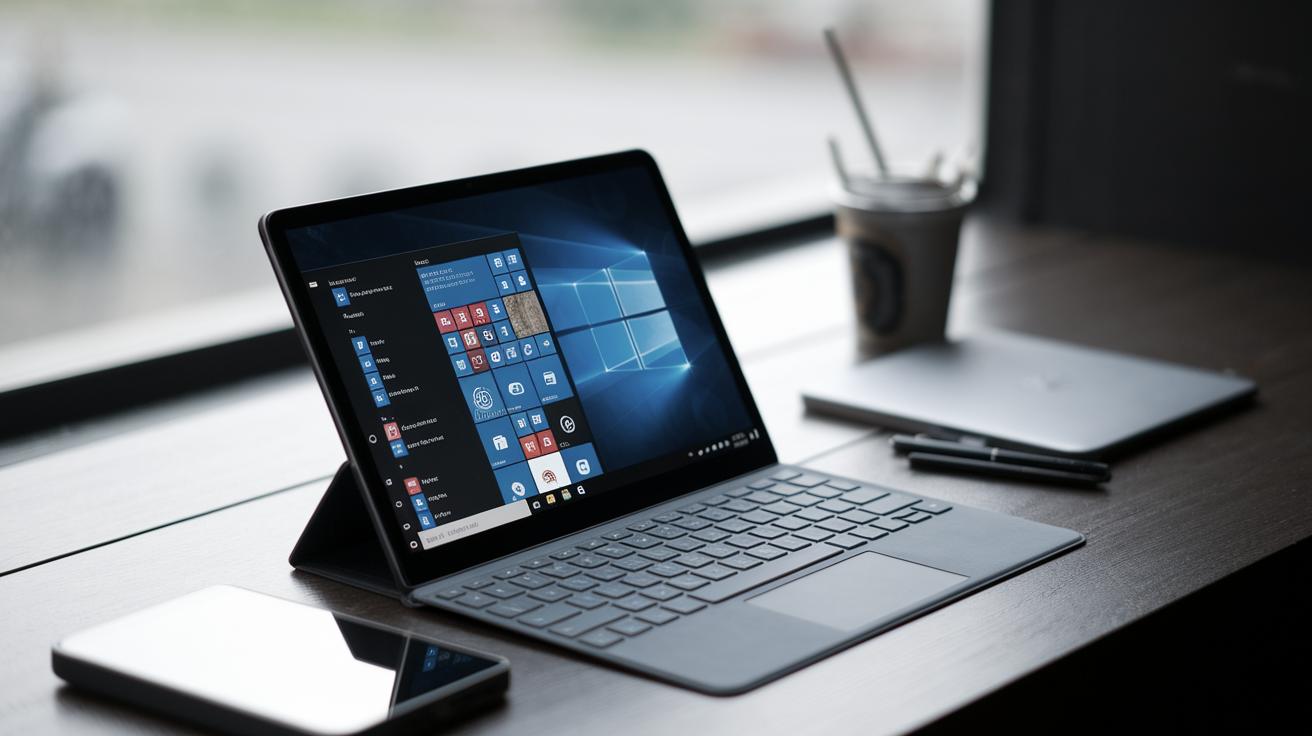
Windows on Android Tablet: Enhance Your Productivity
The line between different operating systems continues to blur as technology evolves, and using Windows on an Android tablet is now a viable option for many users seeking enhanced flexibility and productivity. This blog post explores various methods to achieve this integration, focusing on three prominent options: Luna Display, SplashTop Wired XDisplay, and SpaceDesk. Each solution presents unique features and price points, catering to different user needs and preferences. Whether you’re a professional on the go or a multitasker looking to optimize your workspace, understanding these tools will empower you to make the most of your Android tablet.
Related
Integrating Windows functionality into an Android tablet represents a significant shift in how technology users approach their digital tasks. This flexibility offers a new layer of convenience, allowing users to access Windows applications without needing two separate devices. By merging the capabilities of an Android tablet with Windows, users benefit from the portability of a tablet and the comprehensive tools available through Windows OS.
Historically, such integrations were cumbersome and often involved complicated setups. However, with advancements in technology and software, the process has become more streamlined, enabling a seamless user experience. It’s crucial to approach this integration with a clear understanding of the setup process and related technologies, which is what this article aims to provide.
Poll
Before diving into the specifics of each method, consider how you intend to use Windows on an Android device. Are you a creative looking to enhance your workflow or perhaps a gamer seeking a more accessible setup? Understanding your needs will guide you in selecting the most suitable tool.
Your feedback is invaluable. Participate in our poll to share your primary motive for integrating Windows on your Android tablet. Are you driven by work, play, or simple curiosity? The collective insights will help further develop these technologies and better cater to user needs.
Luna Display – $80
Luna Display offers a straightforward solution for turning your Android tablet into a secondary display for your Windows PC. Priced at $80, it’s a one-time investment for users seeking a wireless experience. Luna Display utilizes a hardware dongle that connects to your PC, enabling a seamless wireless bridge between the two devices. The setup is relatively straightforward, requiring the download of the Luna Display app on both your PC and tablet.
Once connected, Luna Display delivers crystal-clear imagery and responsive performance, making it ideal for design professionals and those who need to run media-rich applications. With Luna Display, you can leverage the versatility of your Android tablet, transforming it into a tool that matches the rigorous demands of a professional environment.
SplashTop Wired XDisplay – Free for 10 Minutes
SplashTop Wired XDisplay offers a unique solution for those who are cost-conscious or wish to experiment before committing to a full purchase. While the app is free to use for 10 minutes initially, users can purchase the full version if they find the service satisfactory. This model allows users to assess the product’s capabilities without making an upfront investment.
The setup involves downloading the SplashTop application on both devices and connecting your Android tablet via USB to ensure stability and low latency. It is particularly beneficial for basic productivity tasks and serves as a reliable introduction to using dual screens without the immediate necessity for wireless connectivity.
SpaceDesk – Free For the Rest of the Year
For those looking for a cost-effective solution, SpaceDesk offers a promotional free service until the end of the year. This service can transform your Android tablet into a secondary monitor wirelessly, bridging the gap between cost and functionality for users who need an extended workspace but are on a budget.
SpaceDesk allows users to seamlessly integrate their tablet with their Windows PC through a simple app installation. The service provides competent performance suitable for everyday tasks, offering enough versatility to cater to the needs of casual users. Its free availability makes it particularly appealing to students and hobbyists who desire extra screen real estate without financial commitments.
Next Steps
| Solution | Cost | Features | Ideal For |
|---|---|---|---|
| Luna Display | $80 | Wireless, high quality, hardware dongle | Design professionals, media-rich applications |
| SplashTop Wired XDisplay | Free for 10 Minutes (with paid upgrade) | USB connection, low latency | Basic productivity, budget-conscious users |
| SpaceDesk | Free For the Rest of the Year | Wireless, easy integration, promotional offer | Casual users, students, hobbyists |
In conclusion, integrating Windows on your Android tablet is an accessible and effective way to enhance your productivity, providing numerous options based on your needs and budget. Whether you’re looking for a high-performance solution with Luna Display, a cost-effective intro with SplashTop, or a versatile free option with SpaceDesk, the right choice will empower your workflow and digital experience.